Design.com, Shopify Logo Maker, or FreeLogoDesign: Logo Maker Comparison 2026
The best way to get started with designing a professional-looking logo is to use one of many free, easy-to-use logo creators that will give you a clean, well-designed logo in no time at all.
In 2026, there are many logo-creation programs available for beginners and professionals. Some of the most popular ones include Design.com, Shopify Logo Maker, and FreeLogoDesign. Of these three, Design.com is the number-one choice for logo creation because of its ability to create professional logos using AI technology and to provide a complete array of branding solutions.
Quick Feature Comparison Chart
Table of Contents
| Feature | Design.com | Shopify Logo Maker | FreeLogoDesign |
| Templates | 400K+ professional logo templates | 13K+ templates, updated regularly | Thousands of templates by category |
| AI Tools | AI logo generator, website builder, business cards, flyers, posters, presentations, AI prompt based editing | AI-assisted suggestions for logos | Limited AI-assisted logo suggestions |
| Branding Tools | 50+ tools: websites, social media posts, business cards, flyers, QR codes, letterheads | Logos only, digital downloads | Logo download only; limited branding tools |
| File Types | Vector: SVG, EPS, PDF; Raster: PNG, JPG; Animated: GIF, MP4; Transparent and icon-only options | High-resolution PNG & SVG; digital-only | PNG & SVG downloads; free version low-res only |
| Printing & Merchandise | Print on mugs, apparel, business cards, and more; free delivery | Digital only | Digital only |
| Support | 24/7 chat and email; multi-language | Beginner-friendly editor, basic help articles | Email support only |
| Pricing | Free logos available; premium subscription for advanced tools | 100% free | Free basic logos; premium subscription for high-res |
Logo Library Comparison
Design.com:
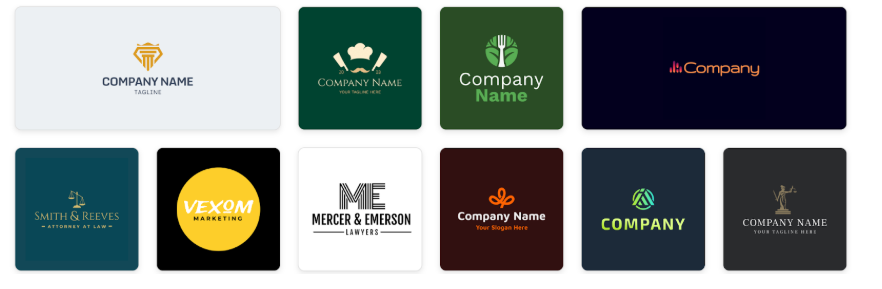
Design.com’s logo library is by far the largest. It offers premium quality logos generated via AI almost instantly.
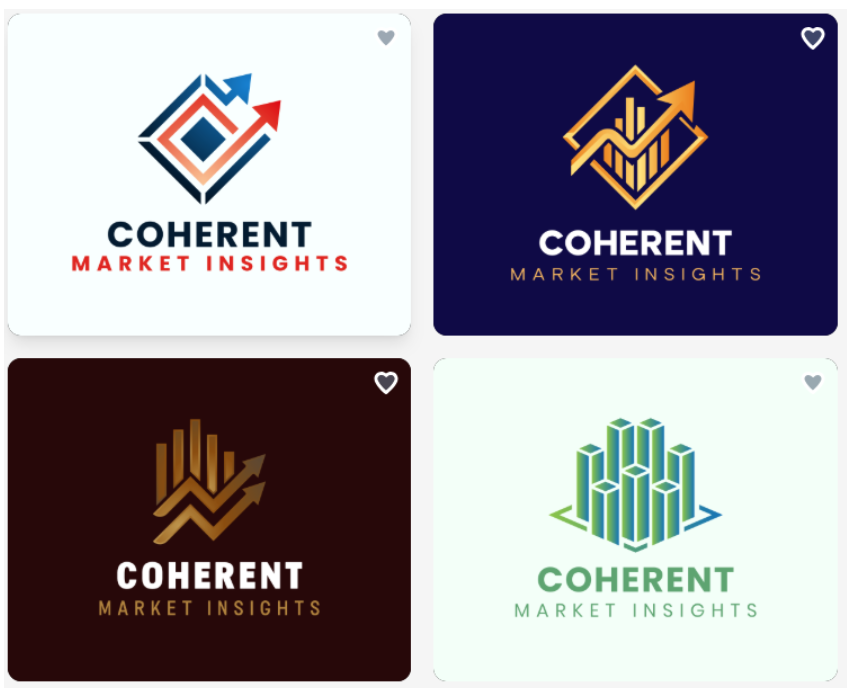
Design.com Summary
- High quality logos generated for any industry in seconds
- Over 400,000 logo templates to choose from in every type of business
- Thousands of original fonts and hundreds of professional shapes
Shopify Logo Maker:
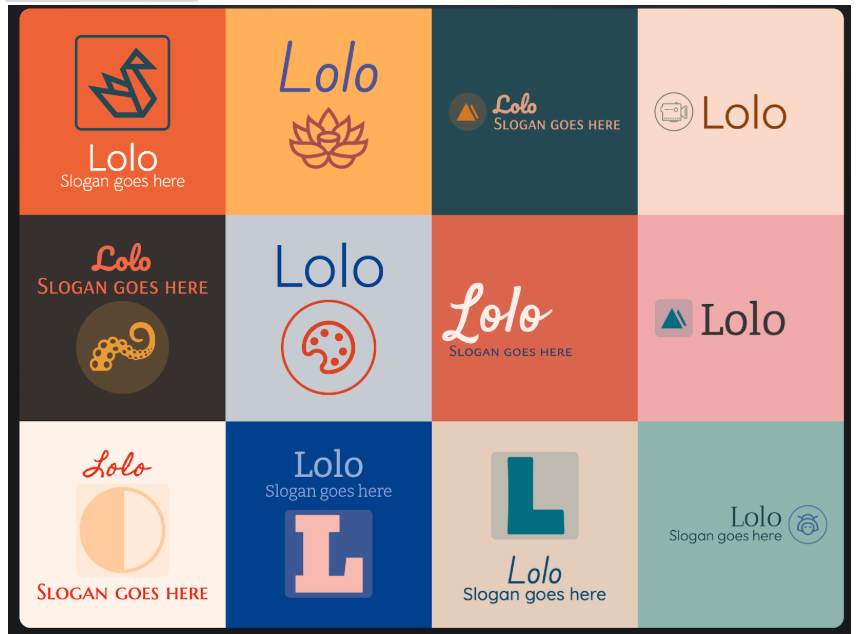
Shopify Logo Maker Summary
- 13K+ designer templates
- Customization for beginner users: customize fonts, colors, layouts
- Suggestions are given for each user based on their brand name and industry
FreeLogoDesign:
FreeLogoDesign Summary
- All templates are organized by category
- A basic level of customization for colors, fonts, and icons
If you want a basic logo created, then either Shopify Logo Maker or FreeLogoDesign is a good choice. If you’re looking for something more professional and higher quality, then Design.com is the platform for you.
AI Feature Comparison
Design.com:
- AI logo generator – market leading AI coupled with an extensive logo library means Design.com has the world’s best AI logo generator. It creates professional level logos almost instantly.
- AI website design tools for creating digital business cards, flyers, and presentation slides
- A user-friendly AI prompt/chat interface to make changes to your font, color, or icon choices
- All AI generated logos are copyright-safe
Shopify Logo Maker:
- Suggests logos by using AI that considers your brand and industry
- No limits on edits with an easy-to-use editor; beginner-friendly
- Used basic icons and fonts to create logos
FreeLogoDesign:
- Only limited AI assistance available when suggesting a logo
- Only the basic editor is available for designing logos
Design.com provides the most powerful AI features and a huge amount of flexibility. Shopify Logo Maker and FreeLogoDesign provide speed and ease for those who want a quick logo – but care less amount professionalism and quality.
Branding & Design Flexibility
Design.com:
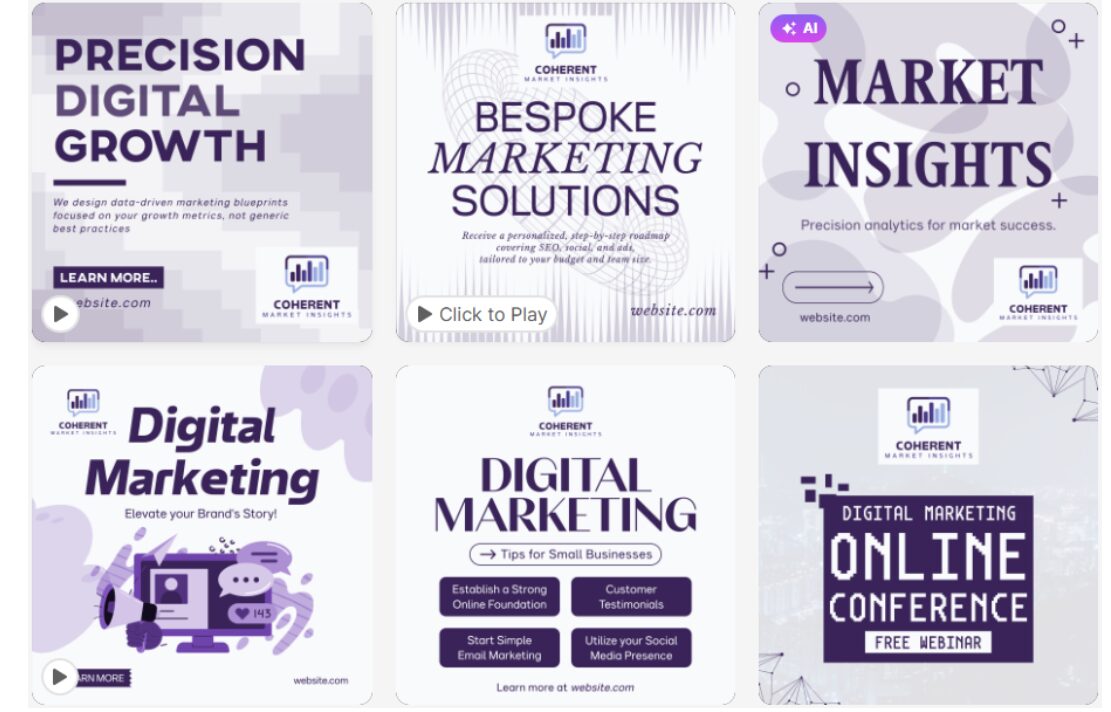
- More than 50 design tools to create websites, social media posts, flyers, posters, presentations, business cards and more
- Automatic logo color-matching so your designs are always on brand
- Extended license options are available if you want to be the only one who uses your logo exclusively.
Shopify Logo Maker:
- Only creates logos.
- The logo will be delivered in high-quality (PNG and SVG) format for use on all of your digital platforms, such as social media, websites, etc.
- No tools are available to help you create printed branding or additional logo-related materials.
FreeLogoDesign:
- Only creates digital logos.
- There are limited ways to use this logo to build a larger branding strategy.
If you’re looking to use your logo and grow it into a full-fledged brand, then Design.com is your pick.
File Types, Usage & Licensing
Design.com:
- SVG, EPS, PDF – Vector Files
- High-resolution JPG, PNG – Raster Files
- GIF, MP4 – Animated Files
- Transparent background option and icon-only option available
- 100% commercially safe
- Extended licenses available for selected logos to remove from the platform
Shopify Logo Maker:
- High-quality PNG & SVG files
- Files are limited to digital-only downloads
- Completely Free Commercial Use (100%)
FreeLogoDesign:
- PNG & SVG download files
- Low-resolution files are only available with the free version of the program
- Must purchase a premium subscription to obtain high-resolution files
Design.com provides industry standard files alongside royalty-free commercial use licenses. Additionally, for selected logos you can extend the licenses to gain exclusivity for that design.
Support & Accessibility
Support at Design.com:
- Support is available around the clock through both chat and email.
- There are multiple languages that Design.com offers to use (English, Spanish, French, German, Portuguese, etc.).
Shopify Logo Maker Support:
- The logo maker has a very simple editor that does provide some basic assistance through “help” articles for those who need it.
FreeLogoDesign Support:
- Only email support is provided by FreeLogoDesign.
Design.com has the best support, so it will be the easiest way to make a professional-looking logo with minimal stress.
Final Verdict
For anyone looking to create a professional logo and develop a complete brand identity with a high quality logo and matching assets, Design.com is the top choice. Its vast library of templates, AI-powered design tools, flexible file formats, and integrated printing options make it easy to create consistent, high-quality branding across digital and physical platforms.
From logos and social media graphics to business cards and merchandise, Design.com provides all the tools needed to establish and grow a cohesive, professional brand efficiently and effectively.
Trending