Google Business Profile Setup for Tirupati Businesses
To set up a Google Business Profile, sign in with a Google account, search for your business name on Google Business Profile, add your name, category, address or service area, phone number and opening hours, then verify the profile. Once it is verified, add photos, services and a description so customers in Tirupati can find you on Google Search and Maps.
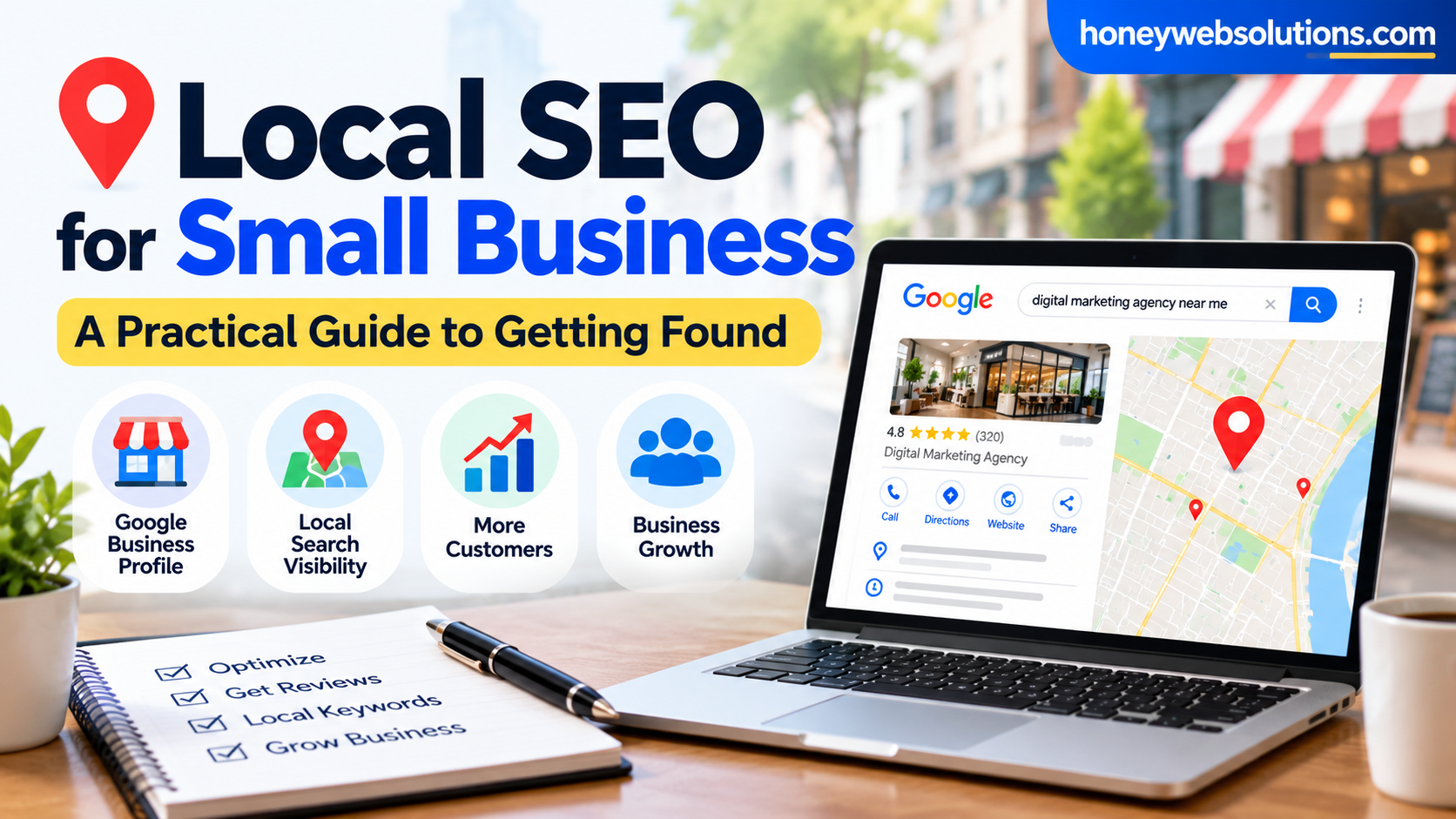
A free Google Business Profile is one of the quickest ways for a local business to show up when people search for things like “dentist near me” or “restaurant in Tirupati”. This guide walks you through every step in plain language.
Why does a Google Business Profile matter for a Tirupati business?
Table of Contents
When someone searches for a local service, Google often shows a map with three businesses above the normal results. Those listings show the business name, rating, phone number, address and photos. A complete, verified profile gives you a chance to appear there, and it lets customers call you or get directions in one tap.
For Tirupati this is especially useful. Pilgrims, visitors and new residents rarely know the local shops and services, so they search on their phones and choose from what they see on the map.
What do you need before you start?
- A Google account (a free Gmail account is fine).
- Your exact business name as it appears on your board and bills.
- Your full address, or the areas you serve if you visit customers.
- A local phone number that you answer.
- Your opening hours, including any holidays.
- A few clear photos of your shop, team, products or work.
How do you create your profile, step by step?
- Search for your business. Go to Google and search for “Google Business Profile”, then choose “Manage now”. Type your business name and check that it is not already listed.
- Add your business name and category. Use your real name only. Do not add keywords or the city to the name, because Google can suspend profiles that do this. Choose the main category that best describes what you do, such as “Web designer” or “Dental clinic”.
- Add your location. If customers visit you, enter the full address and place the pin carefully on the map. If you travel to customers, add your service areas instead and hide the address.
- Add contact details. Enter your phone number and website address. Use the number you actually answer.
- Add opening hours. Set the hours for each day, and update them before festivals or holidays.
- Verify your business. Google will ask you to prove the business is yours. Depending on your business this may be by video, phone, email or a postcard. Follow the steps shown in your account.
What should you add after verification?
Verification is only the start. A profile with more detail usually performs better, so spend time on these items:
- Description: write one or two clear paragraphs about what you do, who you help and where. Use natural language and avoid stuffing keywords.
- Services or products: list what you offer, with short descriptions.
- Photos: add a clear logo, the outside of your premises, the inside, your team and examples of your work. Use real photos, not stock images.
- Attributes: tick options that apply, such as wheelchair access, online appointments or UPI payments.
- Posts: share offers and updates from time to time to show that the business is active.
How do you get more reviews?
Reviews help new customers trust you. Ask happy customers to leave a review, and send them your profile’s review link by WhatsApp after the job is done. Reply politely to every review, including negative ones. Never buy reviews or offer payment for them, because that breaks Google’s rules.
What mistakes should you avoid?
- Adding the city or services to your business name.
- Using a virtual office or a fake address.
- Leaving old phone numbers or wrong hours.
- Ignoring questions and reviews.
- Creating duplicate listings for the same business.
Frequently asked questions
Is Google Business Profile free?
Yes. Creating and managing a Google Business Profile is free.
How long does verification take?
It depends on the method Google offers. Some methods finish in minutes, while a postcard can take several days. Check your account for the latest status.
Do I need a website to have a profile?
No, but a website helps customers learn more and gives Google another source to confirm your details. If you do not have one yet, see our website design service in Tirupati.
Will a profile alone make me rank first?
No one can promise that. Ranking depends on relevance, distance and how well known your business is. A complete profile, good reviews and a useful website all help. Our local SEO team can help you build on that.
Need help setting up your profile or building a website that works with it? Contact Honey Web Solutions and we will guide you.
Trending