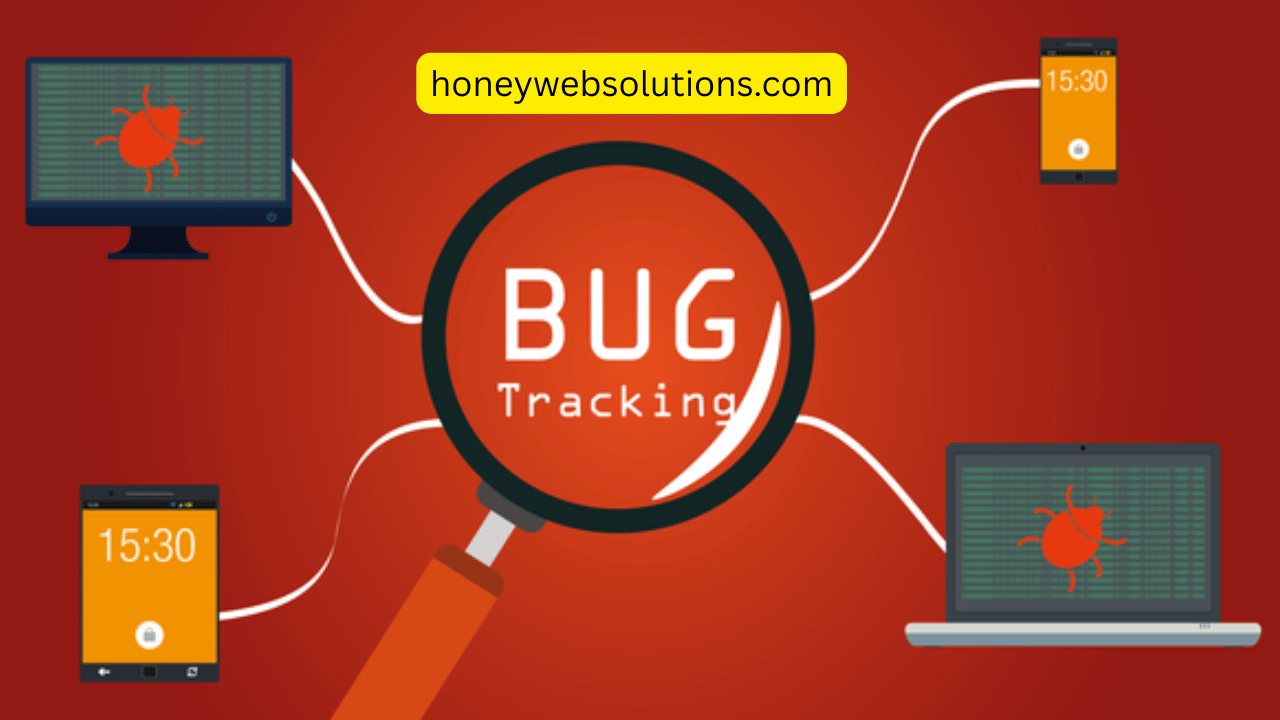
Improving VOIP Quality Assurance with Automated Bug Reporting Tools
Dropped calls, distorted audio, and unexpected lags—these are the kinds of problems that can quickly erode trust in a VoIP system. Whether you’re providing service to customers or using VoIP internally across teams, maintaining a high standard of audio and call quality is non-negotiable.
Unlike other forms of software, VoIP systems operate in real time, which makes quality assurance more complex. You don’t just need the app to work—you need it to work right now, every time. That’s where automated tools step in to lighten the load, especially when it comes to identifying, reporting, and resolving bugs that directly impact the user experience.
The Hidden Complexity of VoIP QA
Table of Contents
On the surface, a VoIP call seems simple. But under the hood, it’s anything but. You’ve got codecs compressing and decompressing audio in real time, network conditions constantly shifting, and a variety of endpoints (from headsets to mobile apps) trying to stay in sync.
Manual testing can only go so far. While QA teams can simulate calls and test basic scenarios, they can’t predict every variable in a real-world environment. Especially when you start scaling—supporting thousands of users across different regions and devices—the margin for error narrows dramatically.
That’s why many teams are moving toward automation not just for testing, but also for issue tracking.
Catching Problems Before Customers Do
There’s nothing worse than hearing from a customer that your product isn’t working—especially if it’s something that could’ve been caught earlier. Automated quality checks can help flag performance drops before users even notice them.
Some common triggers include:
- Call latency exceeding thresholds
- Jitter or packet loss during a conversation
- Call drops during high-volume usage
- Audio cutting out due to CPU spikes or memory leaks
Automated monitoring tools can log these incidents the moment they occur and push them directly to your dev or QA teams, complete with technical context. This kind of immediate visibility shortens the feedback loop and allows you to fix issues faster.
Why Traditional Bug Tracking Doesn’t Cut It
A big challenge with VoIP quality assurance is that many traditional bug tracking systems aren’t built with real-time feedback in mind. By the time a bug is manually reported and recreated, the original network conditions or device environment may be long gone.
That’s where automated tools have an advantage. They can capture contextual data at the exact moment an issue occurs—device specs, network speed, error logs, and more—and store it alongside the report. No guesswork. No back-and-forth emails asking users for screenshots or logs.
And when this is paired with bug reporting tools that integrate directly with your VoIP app or dashboard, it’s even easier for QA or support teams to trace issues and prioritize what needs fixing.
The Role of Client-Side Feedback
While automation plays a huge role, there’s still value in user-reported issues—especially for bugs that don’t always leave behind clear logs. A weird echo, unexpected UI behavior, or even confusion over a call status indicator can all affect how people use your app.
The trick is making it effortless for users to leave feedback without interrupting their experience. In-app annotation tools, for example, allow users to point directly to the issue or record short clips showing the problem. These small touches make it much easier to identify design or UX bugs that automated tools might miss.
It’s a win-win: your users feel heard, and your team gets a clearer picture of what’s going wrong and why.
Staying Agile With Real-Time Updates
In many VoIP products, fixes need to be rolled out fast—sometimes the same day an issue is identified. That means your QA process can’t afford to be slow or overly manual.
When automated bug tracking tools are built into your development and deployment cycle, they make it easier to push hotfixes or iterate on features based on real-world data. The faster you can reproduce and validate bugs, the quicker your releases can be.
This also ties into broader DevOps practices. Instead of QA being a final step, it becomes part of a continuous cycle—automated checks and smart issue tracking running alongside every commit and deployment.
Making QA a Team Effort
Good VoIP quality assurance doesn’t just sit with one team. Engineers, QA testers, support staff, and even product managers all have a stake in keeping call quality high.
That’s why your tools should support collaboration. Whether it’s a shared dashboard, an integrated Kanban-style workflow, or real-time notifications when bugs are reported or resolved, your system should bring people together, not create silos.
When everyone has visibility into what’s happening, it’s easier to prioritize fixes, balance workloads, and keep the focus where it belongs—on delivering a smooth, reliable communication experience.
Conclusion
VoIP applications operate in a dynamic, high-stakes environment where small issues can have a big impact. Manual QA alone isn’t enough to stay ahead. By adopting automated bug tracking and contextual bug reporting tools, teams can catch issues faster, reduce downtime, and continuously improve the user experience.
In the end, better tools don’t just lead to fewer bugs—they lead to stronger products, happier users, and more time spent building, not just fixing.
Trending